Quick Start

How to Use Linglass

A browser extension for learning languages through YouTube and any website. Here's everything you need to get started.

1

Sign In to Your Account

Click the Linglass icon in your browser's extension bar. Sign up or log in — the extension's features won't work without this.

It's free — no card needed
Welcome to Linglass
Learn languages on YouTube & Netflix
Sign Up
Log In
2

Open a YouTube Video

Find the Linglass icon — the rightmost button in the player controls. Click it to enable dual subtitles and set your languages.

Linglass icon → control bar
3

Translate Words with a Click

Click any word in the subtitles to see its translation, transcription, and a button to save it.

Click a word in subtitles
secreto
/seˈkɾeto/
secret
El secreto es encontrar un método que disfrutes
The secret is to find a method you enjoy
4

Translate Phrases

Hold down the left mouse button on a word and drag across others — the selected phrase will be translated as a whole.

Hold LMB and drag across words
secreto es encontrar
secret is to find
El secreto es encontrar un método que disfrutes
The secret is to find a method you enjoy
5

Translate on Any Website

Select text in your target language on any page — the Linglass icon will appear nearby. Click it for an instant translation.

Select text → click the icon
Language acquisition is the process by which humans learn to comprehend and produce language.
6

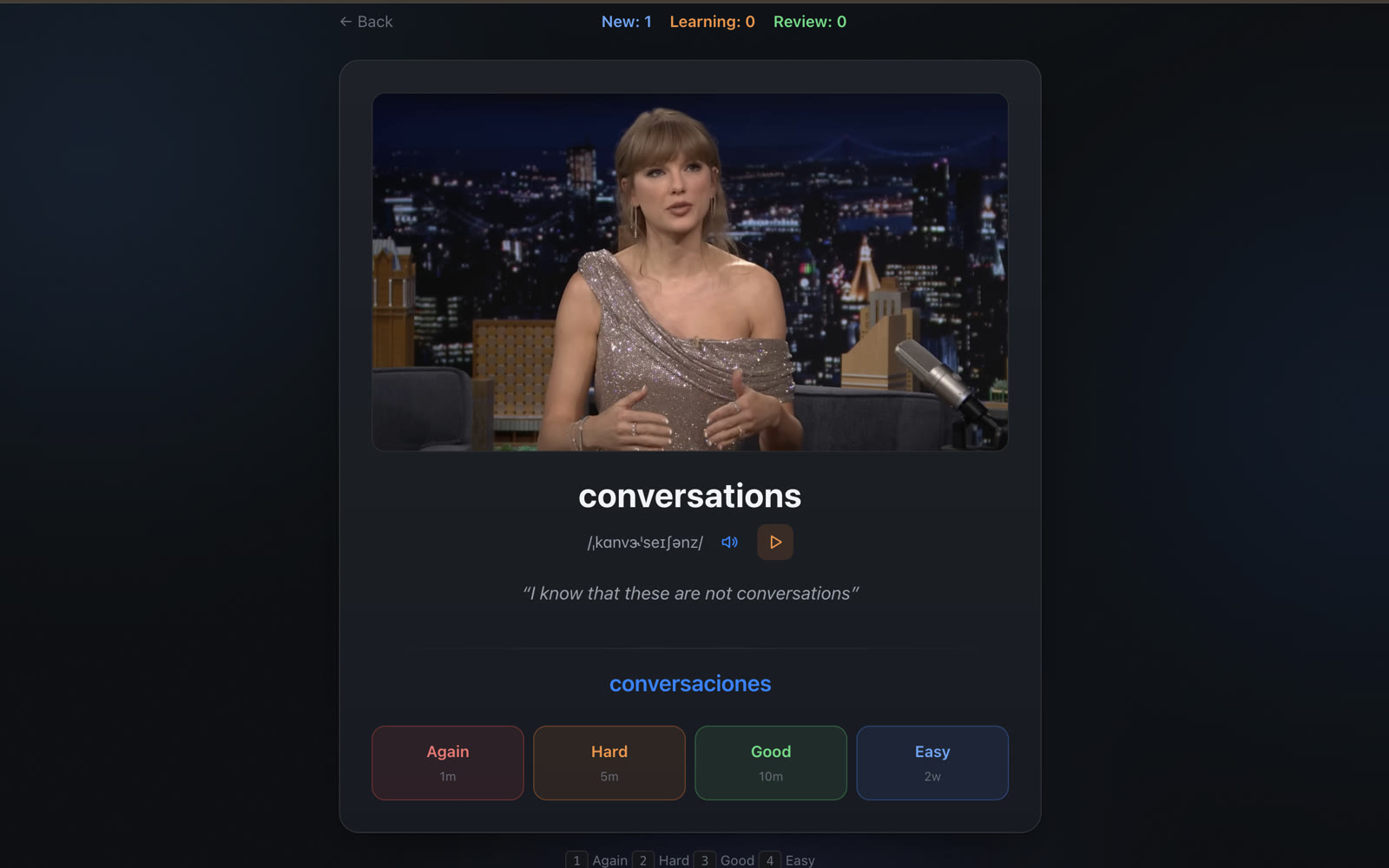
Review in the Learning Center

All saved words and phrases go to the Learning Center. The system schedules each review at the optimal time — you rate how well you remember the word.

Learning Center
New 3Learning 5Review 12
secreto
/seˈkɾeto/
secret
Again<1mHard6mGood1dEasy4d

Don't forget to sign in

Translation, subtitles, and word saving only work after signing in. Click the Linglass icon in your browser's extension bar and log in or sign up — it's free.

Get the Extension

Have questions? Reach out — [email protected]

Popular guides

Tips

Netflix Dual Subtitles: How to Show Two at Once (2026)

Netflix can't show two subtitles at once natively — but a free Chrome extension can. 2026 setup guide for bilingual subtitles on Netflix.

LinglassMay 12
Tips

How to Learn English from YouTube: Practical Guide for Any Level

Turn YouTube into your best English teacher. A practical guide to choosing channels, using subtitles effectively, and building vocabulary from videos you actually enjoy.

LinglassApr 13
Tips

Best Language Reactor Alternatives in 2026 (Free & Paid)

Honest comparison of the top Language Reactor alternatives in 2026 — Trancy, Migaku, Linglass, InterSub and more. Features, pricing, and which one fits your workflow.

LinglassMay 16