Start free in your browser today. Your words, streak and progress sync to the web Learning Center and to the mobile app.
Dual subtitles, click-to-translate, IPA pronunciation, AI grammar and flashcards — on YouTube, Netflix and any website. Available now, free.
Get the Extension — Free Chrome
 Yandex
 Edge
Edge Brave
Brave Opera
OperaTake your words and review anywhere.
On the App Store and Google Play.
Scan to install on your phone
Review flashcards, track streaks and manage your subscription in the Learning Center.
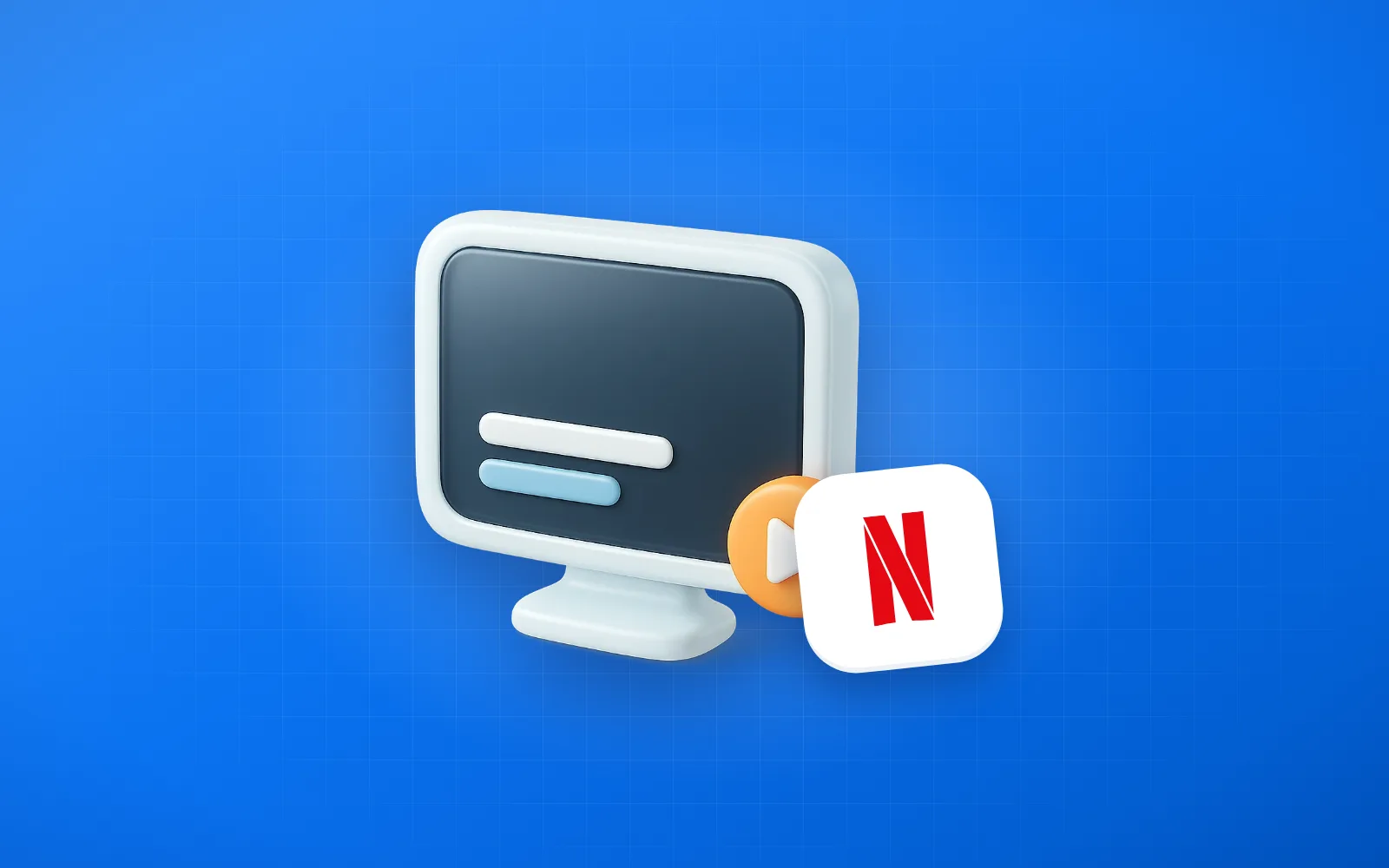
Netflix can't show two subtitles at once natively — but a free Chrome extension can. 2026 setup guide for bilingual subtitles on Netflix.
 May 12
Turn YouTube into your best English teacher. A practical guide to choosing channels, using subtitles effectively, and building vocabulary from videos you actually enjoy.
Apr 13
Honest comparison of the top Language Reactor alternatives in 2026 — Trancy, Migaku, Linglass, InterSub and more. Features, pricing, mobile apps, and which one fits your workflow.
May 16